

How to Remove Website URL Field from WordPress Comment Box
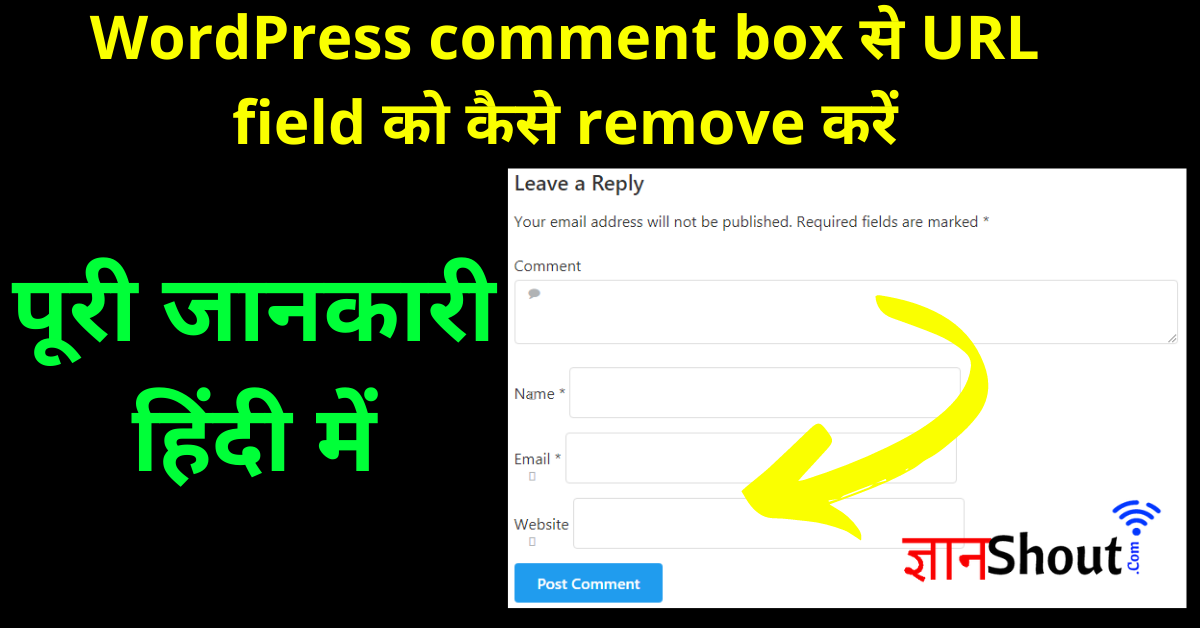
WordPress comment box से URL field को कैसे remove करें : How to Remove Website URL Field from WordPress Comment Box Hindi, WordPress’ post के निचे comment box से website url field को कैसे remove करें?
WordPress comment box से URL field को कैसे remove करें? : हेल्लो दोस्तों आपका स्वागत है Infinity ज्ञान हिंदी ब्लॉग मै, इस आर्टिकल मे आपको सिखाऊंगा कीस तरह से आप WordPress Comment Form मै से Website URL Field को हटा सकते है!
How to Remove Website URL Field from WordPress Comment Box
यदि आपकी Website URL Field खुला हुआ रहता है तो कोई भी आकर कुछ भी कमेंट में लिख कर के Backlink लेना चाहता है और यह कभी-कभी आपके लिए नुकसानदायक भी हो सकता है इसलिए आप हो सके तो इसको हटा सकते हैं
नीचे मैंने आपको Step By Step सिखाया है की किस तरह से आपक WordPress Comment Form मै से Website URL Field को हटा सकते है!
इसको आप Plugin के द्वारा भी कर सकते थे लेकिन हम आपको Plugin के द्वारा नहीं बताएंगे क्यों कि यदि आप कोई भी Plugin को ऐड करते हैं तो आप की ब्लॉग पर लोडिंग स्पीड बढ़ जाएगी इसीलिए हमने आपके लिए यह Method बताया है
Remove URL field from WordPress comment section
WordPress में default comment section open होता है और इसमें चार field show होते हैं Name, Email, Website और comment box
जब की कोई user आपके ब्लॉग में कोई comment करता है तब यह चारो fields को fill up करता है उसके बाद वह Comment कर सकता है तो comment section में उसका नाम के ऊपर hyperlink add हो जाता है जिसमें उसके द्वारा enter किया गया URL में उसका वेबसाइट होता है
जो लोग आपके Website में Comment करता है तो वह आपकी वेबसाइट से Backlinks लेना चाहता है यह कभी-कभी आपके वेबसाइट के लिए खतरनाक भी हो सकता है क्योंकि लोग यहां पर आपकी वेबसाइट में Spam करने लगते हैं और इसकी वजह से आपकी वेबसाइट Down होने लगती है और यही कारण है कि वहां से URL field को हटाना बहुत ही आवश्यक होता है
WordPress comment box से URL field को कैसे remove करें?
इसे आप 3-step में कंप्लीट कर सकते हैं यह काफी Easy Proses है
Step #01
सबसे पहले आपको अपने Website dashboard ओपन कीजिये, इसके बाद Appearance पे Click कीजिए उसके निचे Theme Editor पर क्लिक कीजिये.

Step #02
इसके बाद आप यह Code को Copy करके आपके Functions.php के नीचे इस Code को Paste कर दीजिए
add_filter('comment_form_default_fields', 'unset_url_field');
function unset_url_field($fields){
    if(isset($fields['url']))
       unset($fields['url']);
       return $fields;
}
Step #03
इसके बाद आप Functions.php फाइल को सेव कर दीजिये. और नीचे में Save का Option दिखेगा उसको आपको Save कर देना है

How to Remove Website URL Field from WordPress Comment Box : तो दोस्तों मै आशा रखता हु की आपको WordPress comment box से URL field को कैसे remove करें यह जानकारी पसंद आयी होगी, अगर आपको पसंद आई और आपको लगता है की हेल्पफुल है तो Comment में बतायें
इन्हें जरूर करें