How to Create Influencer Videos Using Higgsfield.ai (Complete Beginner Guide)
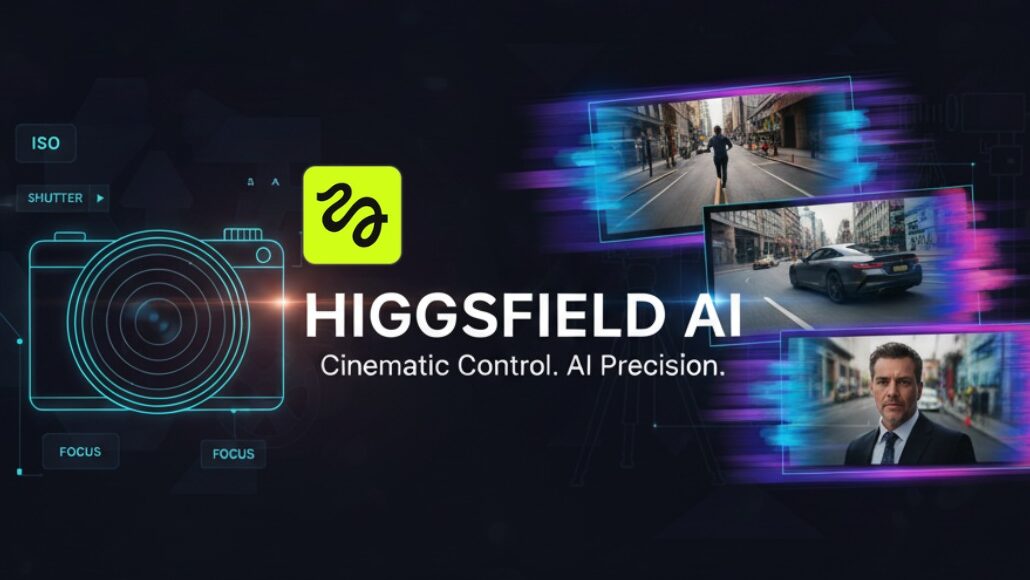
Higgsfield.ai In today’s digital world, influencer videos are one of the most powerful ways to grow on platforms like Instagram, YouTube Shorts, TikTok, and Facebook Reels. But hiring real influencers is expensive, time-consuming, and sometimes risky.
This is where Higgsfield.ai comes in.
Higgsfield.ai is an AI video generation tool that allows you to create realistic influencer-style videos using artificial intelligence. You can create talking videos, product promotions, brand explainers, and social media ads without showing your own face or hiring a creator.
In this article, you’ll learn:
- What Higgsfield.ai is
- How it works step by step
- How to create influencer videos
- Best use cases
- Tips to get professional results
This guide is written in simple English, so even beginners can understand everything clearly.
What is Higgsfield.ai?
Higgsfield.ai is an AI-powered video creation platform that helps you generate human-like influencer videos using:
- AI avatars
- Text scripts
- Voice narration
- Smart video rendering
Instead of recording yourself, you just:
- Write a script
- Choose an AI character
- Select voice and style
- Generate the video
The final result looks like a real influencer speaking naturally on camera.
Why Use Higgsfield.ai for Influencer Videos?
Here are some strong reasons creators and marketers use Higgsfield.ai:
1. No Camera, No Microphone Needed
You don’t need a DSLR, lighting, or studio setup. Everything is done online.
2. Save Money
Hiring influencers can cost thousands of dollars. Higgsfield.ai is much cheaper.
3. Perfect for Beginners
Even if you have zero video editing skills, you can still create professional videos.
4. Fast Content Creation
You can create multiple videos in minutes instead of days.
5. Consistent Branding
Your AI influencer always looks and sounds the same, which is great for brand identity.
Types of Influencer Videos You Can Create
Using Higgsfield.ai, you can create:
- Product promotion videos
- Affiliate marketing videos
- App or website explainers
- Social media ads
- Personal brand videos
- Course promotion videos
- Crypto & finance explainers
- E-commerce product demos
How Higgsfield.ai Works (Simple Explanation)
Higgsfield.ai uses Artificial Intelligence + Machine Learning + Video Synthesis.
Here’s what happens behind the scenes (in simple terms):
- You type a script
- AI understands your text
- AI generates human-like facial movements
- AI syncs lips with voice
- AI renders a realistic video
You don’t need to understand AI technology — just follow the steps.
Step-by-Step Guide: How to Create Influencer Videos Using Higgsfield.ai
Step 1: Create an Account on Higgsfield.ai
- Visit the official Higgsfield.ai website
- Sign up using email or Google
- Choose a free or paid plan
Free plans usually have limitations like watermarks or shorter videos.
Step 2: Choose the Video Type
After login, you’ll see options like:
- Talking head video
- Influencer-style video
- Promotional video
Select the option that fits your goal (for example, social media influencer video).
Step 3: Select an AI Influencer / Avatar
Now you choose an AI avatar, which will act as your influencer.
Things to consider:
- Gender (male/female)
- Age appearance
- Professional or casual look
- Friendly or corporate style
Choose an avatar that matches your target audience.
Example:
- Tech audience → modern, clean look
- Beauty audience → stylish, influencer vibe
- Finance audience → professional look
Step 4: Write Your Script (Most Important Part)
Your script decides how good your video will be.
Script Writing Tips:
- Keep sentences short
- Use simple words
- Speak like a real human
- Add emotion and confidence
Example Influencer Script:
“Hey everyone! If you’re looking for a smart way to save time and grow online, this tool can really help you. I’ve been using it, and the results are amazing.”
Avoid robotic or boring text.
Step 5: Choose Voice & Language
Higgsfield.ai allows you to:
- Select different voice styles
- Choose accents (US, UK, neutral)
- Adjust tone (friendly, professional, energetic)
Pick a voice that feels natural and trustworthy.
Step 6: Customize Video Settings
Here you can control:
- Background (studio, office, plain color)
- Camera angle
- Lighting style
- Video resolution (HD / Full HD / 4K)
- Video ratio (9:16 for reels, 16:9 for YouTube)
For Instagram & Shorts → 9:16 vertical video
For YouTube → 16:9 horizontal video
Step 7: Generate the Video
Once everything is ready:
- Click Generate Video
- Wait a few minutes
- AI processes your content
After rendering, preview the video.
Step 8: Download & Publish
Download the final video and upload it on:
- Instagram Reels
- YouTube Shorts
- TikTok
- Facebook Reels
- Ads platforms
Add captions, hashtags, and CTA for better reach.
Best Practices for High-Quality Influencer Videos
1. Focus on Hook (First 3 Seconds)
Start with a strong opening line:
- Ask a question
- Mention a problem
- Promise a solution
2. Keep Videos Short
Best length:
- Reels & Shorts: 15–45 seconds
- Ads: 20–30 seconds
3. Add Subtitles
Most people watch videos without sound. Add captions for better engagement.
4. Clear Call-to-Action (CTA)
Always tell viewers what to do:
- “Follow for more”
- “Link in bio”
- “Try it now”
Common Mistakes to Avoid
- Writing long, boring scripts
- Using robotic voice tone
- Ignoring audience type
- Creating too many videos without testing
- Not optimizing for mobile viewing
Who Should Use Higgsfield.ai?
Higgsfield.ai is perfect for:
- YouTubers
- Digital marketers
- Affiliate marketers
- Small business owners
- Dropshippers
- Course creators
- Social media managers
Higgsfield.ai video kaise Banaye 2025

If you want fast, scalable, face-less influencer content, this tool is ideal.
Final Thoughts
Higgsfield.ai is changing the way influencer videos are created. You no longer need expensive equipment, actors, or studios. With the right script and strategy, anyone can create professional influencer videos using AI.
If you are a creator or marketer looking to grow faster, Higgsfield.ai can save time, money, and effort while delivering consistent, high-quality results.